Rendering
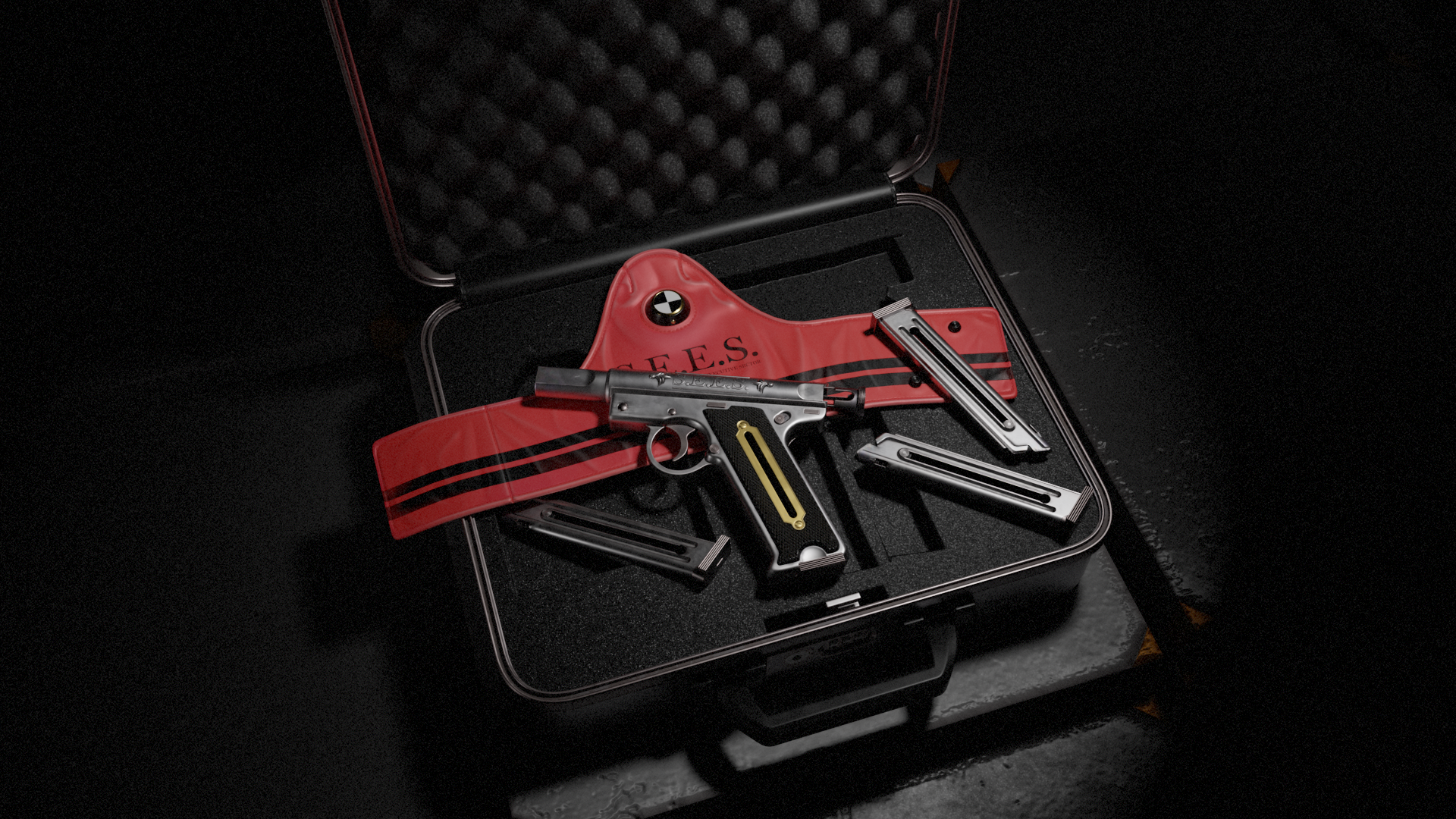
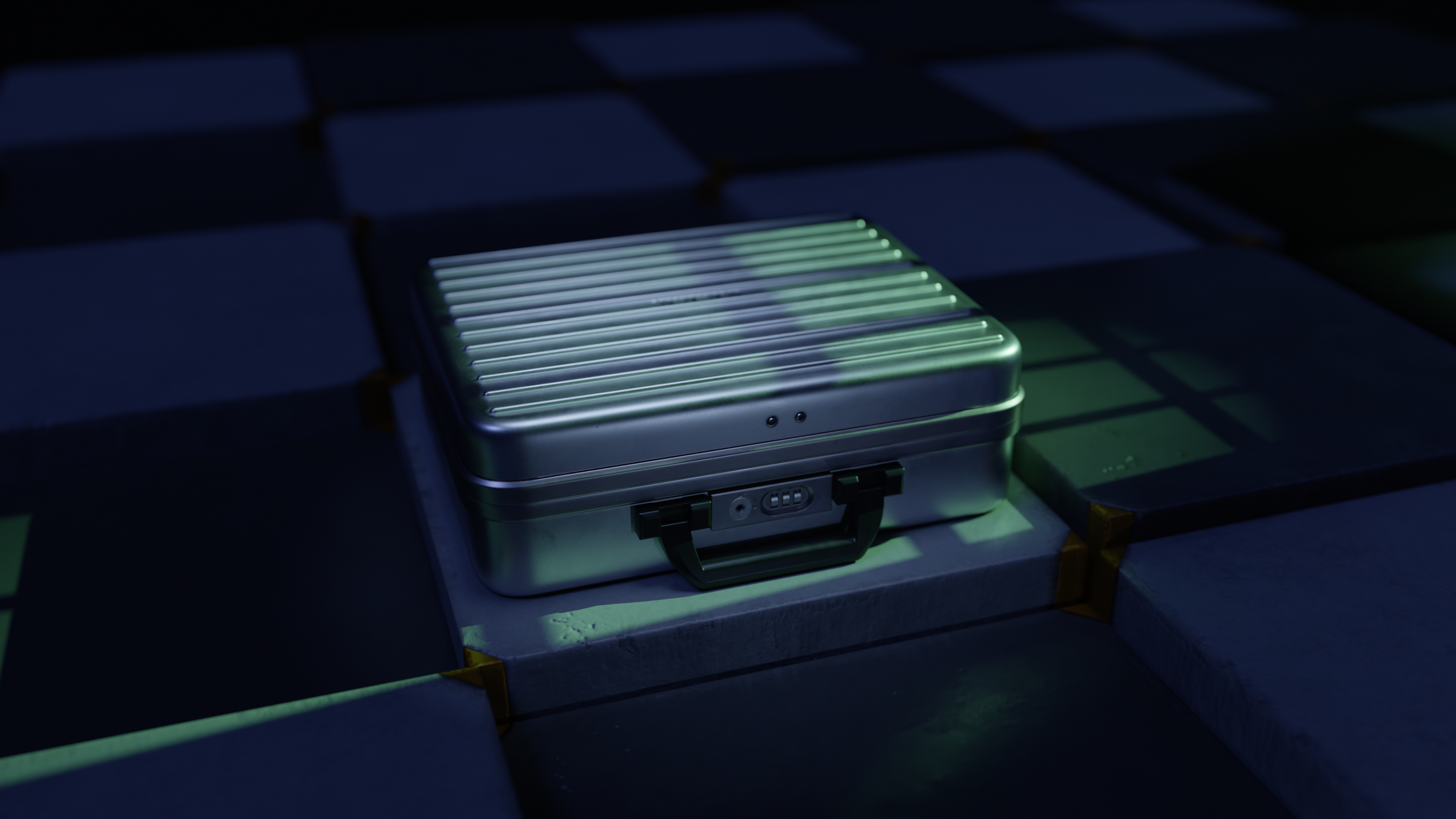
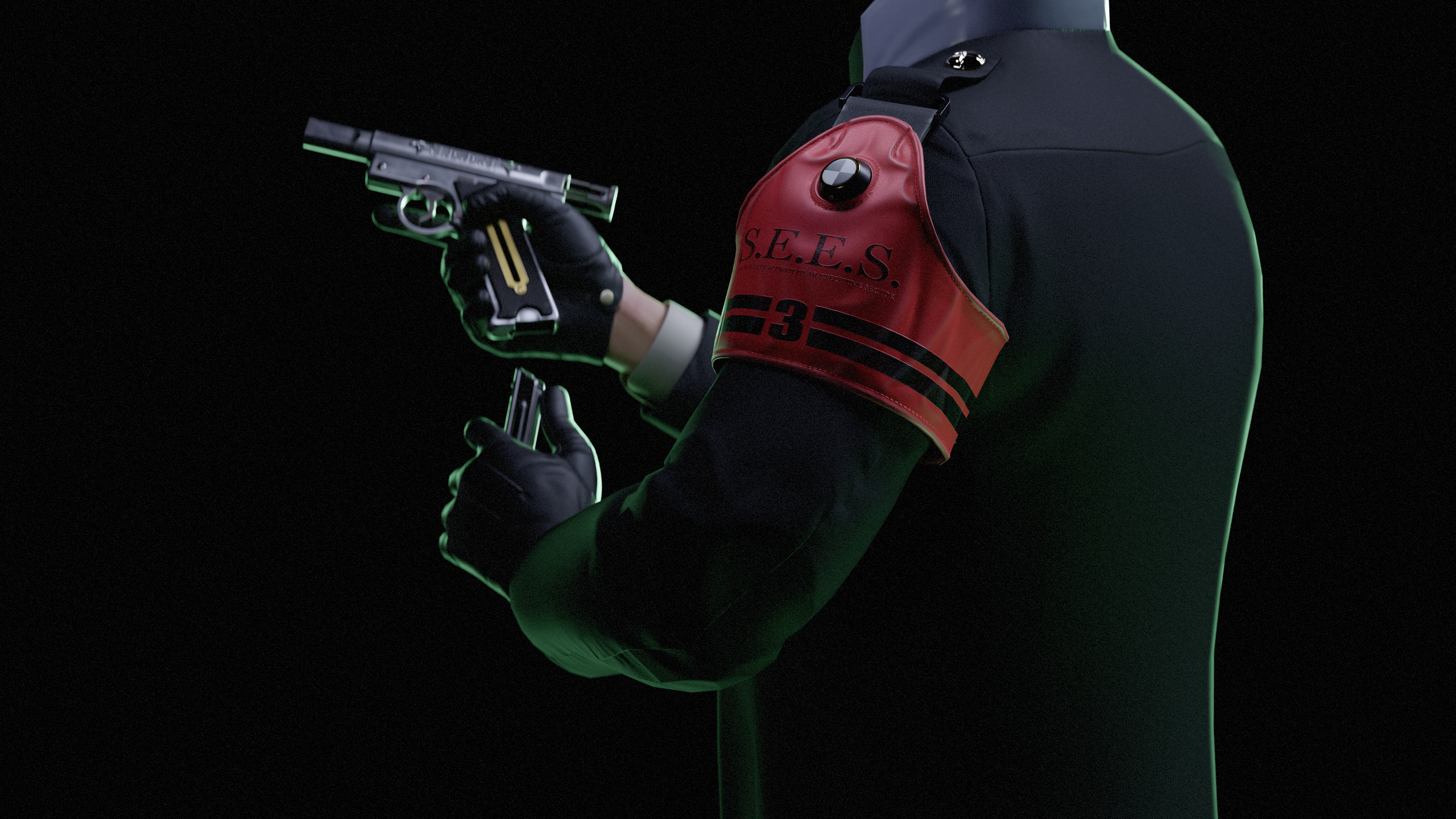
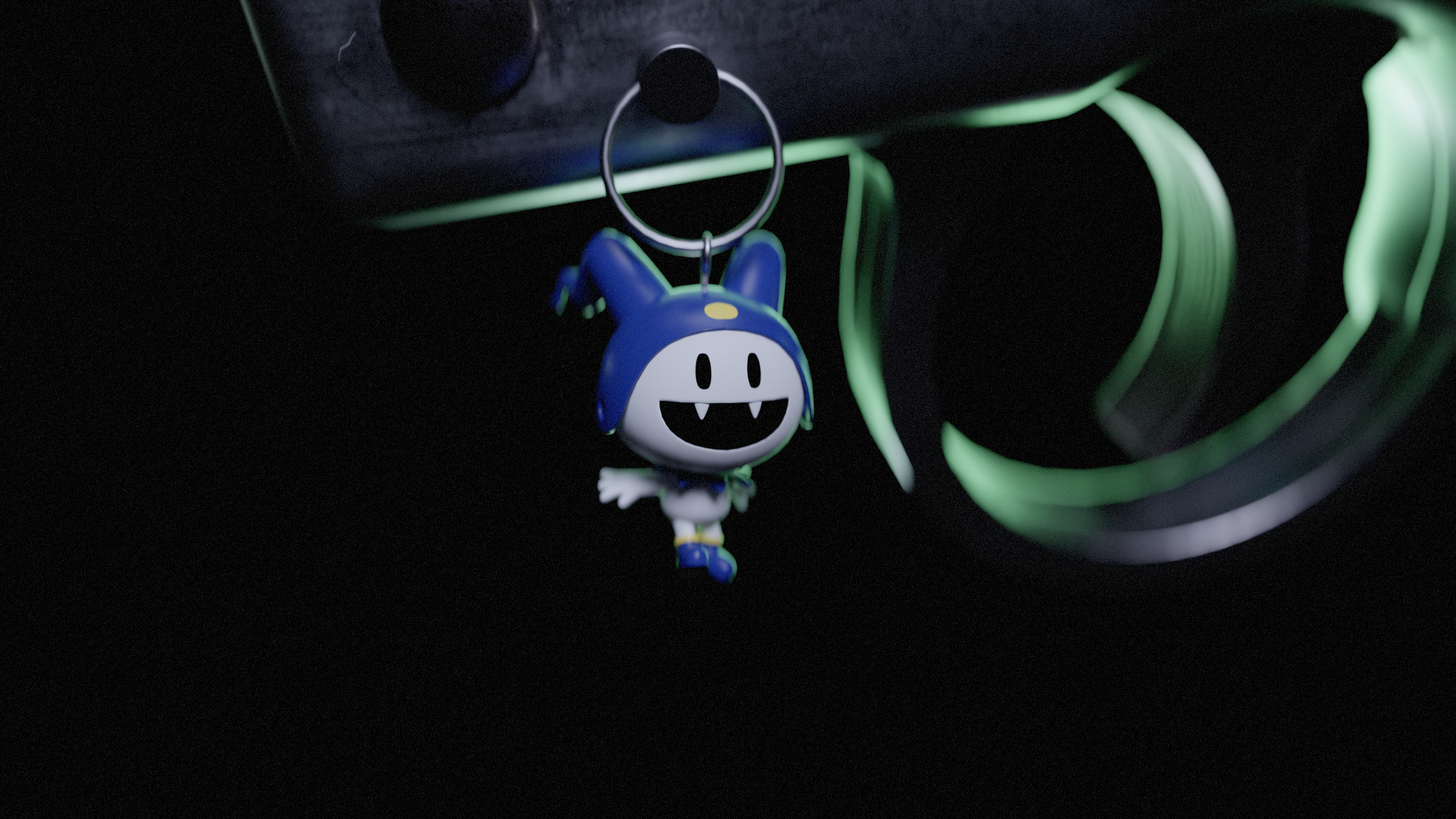
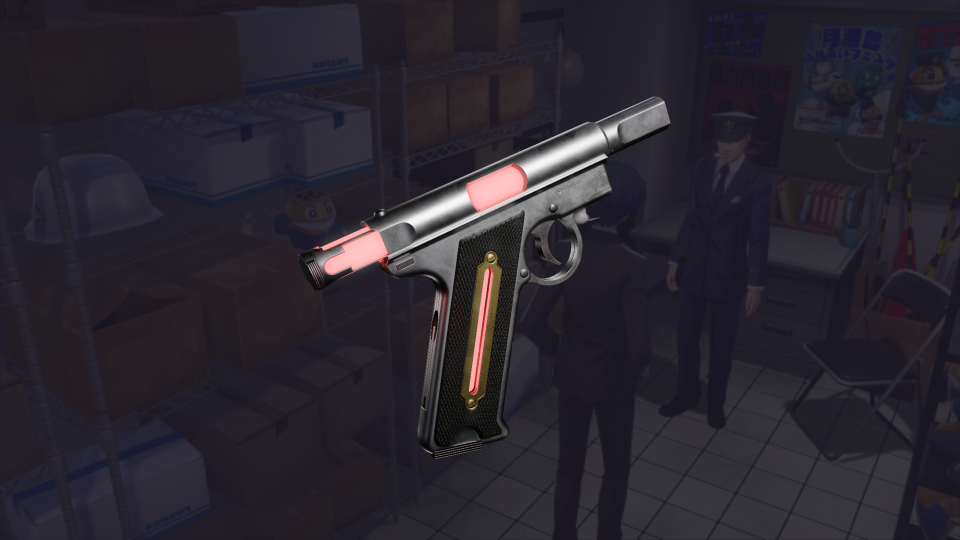
Static poses and animations were done in Maya which were then sent to Marmoset for lighting, cameras, and rendering.
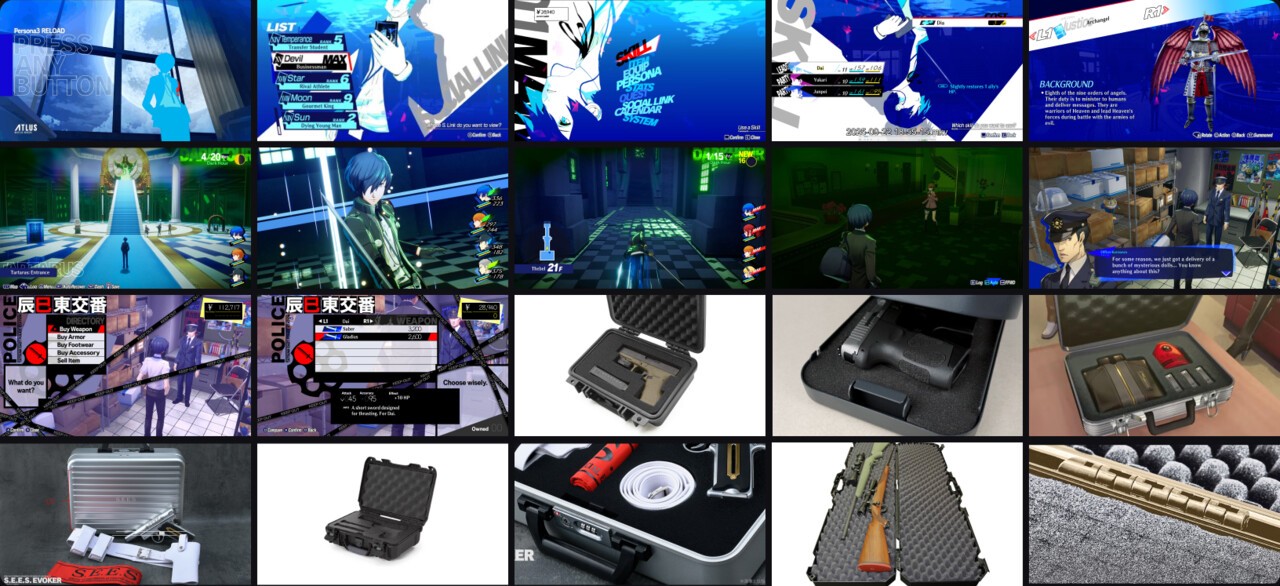
The Persona series (especially after Persona 5) set a new standard for stylish ui motion graphics and presentation, and I mostly wanted my renders to reflect that. My goal was to create showcase, turnaround, and diagram videos.
3.1 ⬩ Showcase
For the Showcase Video, I envisioned a variety of camera shots of the gun and complimentary items within the dark, green lit backdrop of Tartarus. Also added some floaty particle effects using Maya nParticles for some visual flare!
3.2 ⬩ Turnaround
The Turnaround video focused on customization -- it's essentially a mockup "gameplay" video of the Evoker being customized with gun charms, energy colors, and weapon skins. During the planning process I was looking around the game to see where the player would hypothetically customize their evoker…I thought maybe they could speak to Mitsuru Kirijo…but then I eventually landed on Officer Kurosawa’s "shop" in Paulownia Mall (the music is just too good to pass up 🎶). In my version, I added a “Modify Evoker” tab underneath "Buy Accessory" and then adjusted the other ui design elements accordingly. This was one of the most complex and enjoyable AE project’s I’ve worked on!
All graphical assets were rebuilt from the ground up in Figma and then sent over to After Effects via Overlord (the best AE plugin ever). There are minor differences in my design in terms of color and typography (I don't have access to all typefaces) but I think it's quite close!
The After Effects project contains lots of precomps, layers, and effects! I also made certain components like the select menu controllable to allow for easier keyframe timing!
3.3 ⬩ Diagram
Finally, the Diagram was my homage to Persona 3 Reload’s pause menu. I wanted this animation to be a seamless loop that highlights the Evoker’s details in a dynamic and stylish format.
Like the Turnaround animation, graphic design elements were made in Figma and animated in After Effects for this piece.